
Review an archive
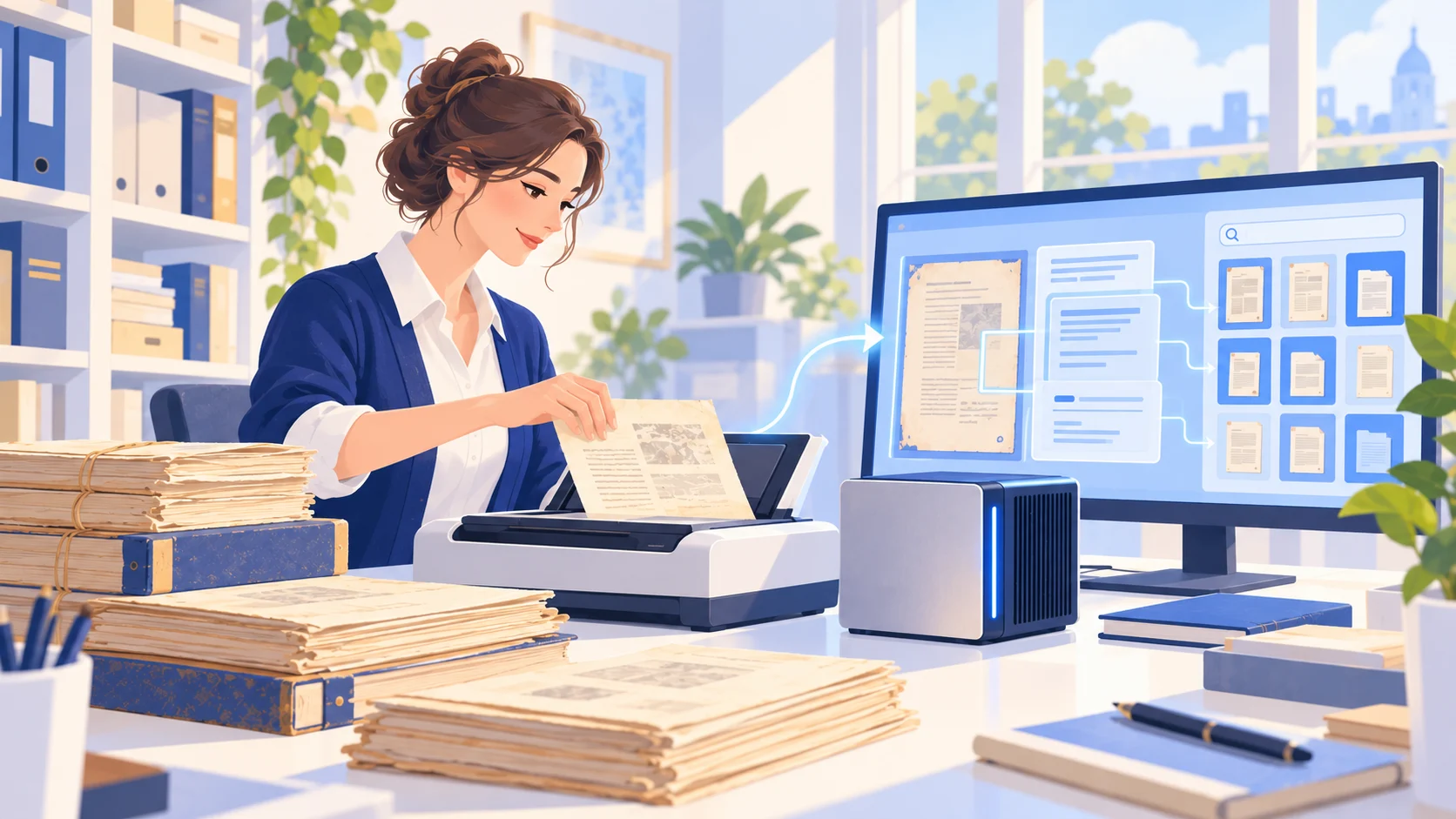
Recognize text in older reports and meeting papers, then organize dates, topics and key points.
Capability · Scanned documents & OCR
Extract text from scans and image-based PDFs, then organize and reuse it.
01 / Capabilities
Scanned contracts, old reports and paper forms are often hard to copy or search. LumiOneX can help recognize text in these files and organize it for review and editing. Quality depends on scan clarity, language, layout and page condition. Compare important fields, figures and tables with the source.
02 / Ways to use it
Recognize text in older reports and meeting papers, then organize dates, topics and key points.
Extract fields for human checking before using them in a table or archive.
Turn hard-to-copy pages into text for searching, notes and references.
03 / Why it helps
Extract text from image-based pages instead of entering long passages from scratch.
Organize recognized content by topic or file so historical material is easier to search.
Use verified text in summaries, report drafts or slide outlines.
FAQ
It can try, but blur, skew, handwriting and complex layouts can reduce accuracy. Check the result against the original.
Verify names, dates, amounts, tables and other critical details before using it as an official record or external document.
LumiOneX / NEXT STEP
Talk to us about the device, your workflows and deployment needs.