


Set your goal
Describe what you need in everyday language and provide relevant files.
Your local AI work companion
One device connects your ideas to useful work.

LumiOneX / LOCAL AI
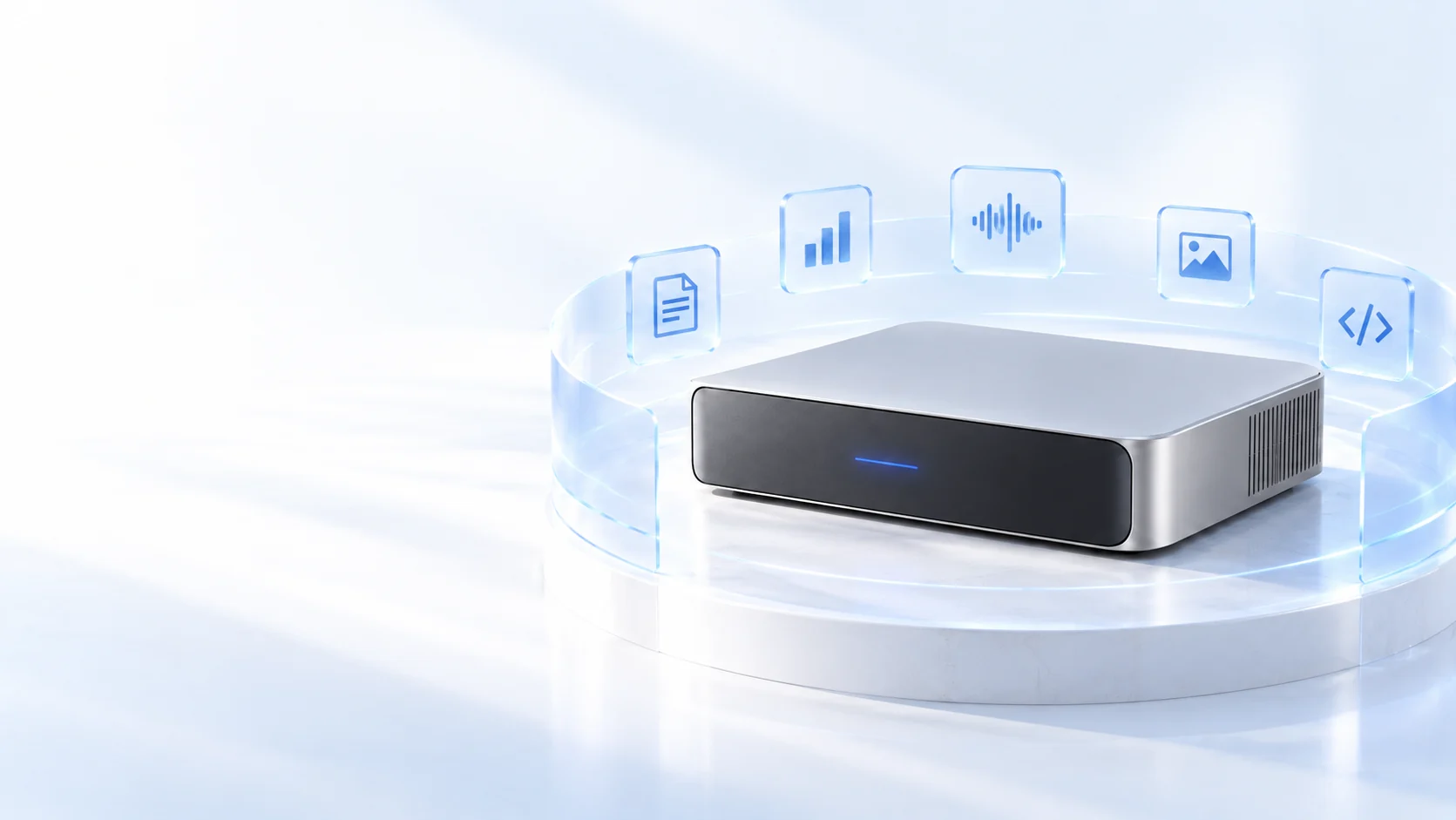
LumiOneX combines local AI, a personal assistant and office tools on one device. Read documents, organize data, draft reports and prepare presentations. Give it a goal and source files, then review and refine the downloadable results.
01 / Product
Get to know the device, its installed local AI and the ways it can fit into daily work.

Bring local models, an assistant and office tools into a workspace within reach.
01 / ProductUse models installed on the device and choose a local processing path for suitable tasks.
01 / ProductConnect models and tools to the tasks your team already needs to complete.
01 / ProductStart with a real task, agree on scope, then build and validate the workflow.
02 / Capabilities
Work across documents, data, audio, images and scans with tools for analysis, creation and automation.

Read, distill, draft and present, with editable work you can take further.
02 / CapabilitiesOrganize data, calculate useful metrics and make charts that start better conversations.
02 / CapabilitiesMove from recordings to searchable text, clear takeaways and an editable meeting note.
02 / CapabilitiesMove from visible details and creative ideas to visual drafts you can review.
02 / CapabilitiesExtract text from scans and image-based PDFs, then organize and reuse it.
02 / CapabilitiesDescribe the task, then let the assistant help write scripts and process groups of files.
03 / Use cases
Explore how individuals, teams, organizations and different industries use local AI.

From a to-do list to a useful file, make more room for thought and judgment.
03 / Use casesLet tools handle recurring content tasks and save team discussion for decisions.
03 / Use casesTest the device, processing path and output quality in a real workflow before expanding.
03 / Use casesUse the documents, data and recordings from your field to prepare editable work for expert review.
03 / WORKFLOW
Describe what you need in everyday language and provide relevant files.
Let the assistant plan steps and use suitable tools to read, analyze or create.
Check the document, chart or file, then edit and use it in your own workflow.
FAQ
It can help with document reading and writing, spreadsheet analysis, charts, transcription, image tasks and practical scripts. Results depend on the source material, selected model and human review.
Requests handled by a model installed on the device do not incur per-request or per-token fees from a cloud model provider. External services, if selected, may have their own charges.
LumiOneX / NEXT STEP
Talk to us about the device, your workflows and deployment needs.